.webp?width=100&height=43&name=gohappy-logo-full-green-2%20(1).webp)
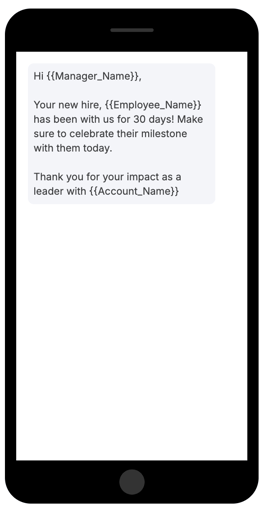
Tokens are like messaging variables and allow your your messages to be customized for the recipient.
Hi Team -> becomes Hi and each recipient sees their name in the message. We pull this information from the HRIS/Payroll file that is sent to us. Any field sent to us can become a token!
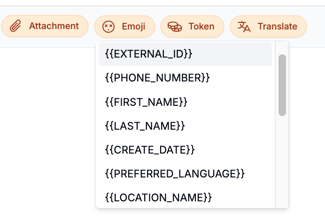
The tokens are available in the message composition screen. Just click the "Token" button at the top of the form to start your personalization.
Advanced Uses:
-
W2 Address Confirmation
- Messaging a Manager about their direct employees