.webp?width=100&height=43&name=gohappy-logo-full-green-2%20(1).webp)
📊 How to View Survey Participation
1. Navigate to Your Survey
-
Go to the Feedback tab in your dashboard
-
Click on the survey tile you want to review
2. Open the Participation Section
-
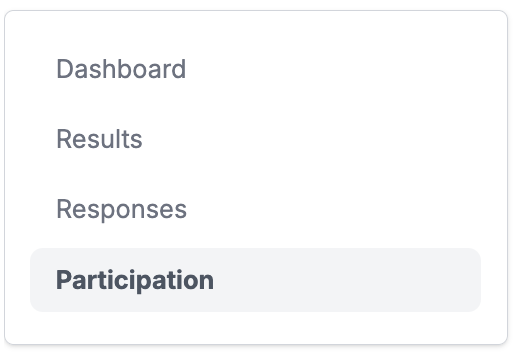
On the left-side navigation within the survey, click Participation
3. Review Participation Details
You can view participation results by:
-
Name
-
Phone Number
-
Job Title
-
And other available fields
✨ Helpful Tip:
-
Participants who have completed the survey appear at the top
-
Those who have not completed the survey appear toward the bottom
4. Expand Results by Category
-
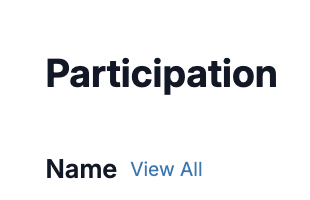
Next to each column header (for example, Name), click View All
-
This expands the section so you can see all results for that category
5. Export Participation Results
Need to share or analyze the data outside the platform?
-
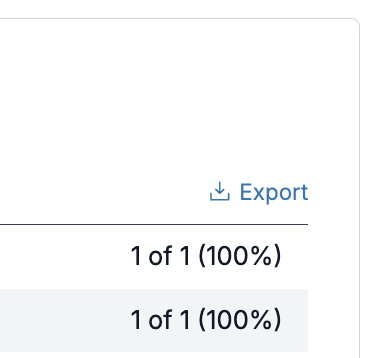
Click Export on the right side of the Participation page
-
Your results will download as a CSV file
If you have any questions or need assistance, our support team is always here to help.