.webp?width=100&height=43&name=gohappy-logo-full-green-2%20(1).webp)
If you log into goHappy to send messages, then you are able to update the name that displays in your profile. Perhaps you share an email or a default email is used for your role or location. You can bring your personality into the platform by updating your profile name and/or adding a profile photo.
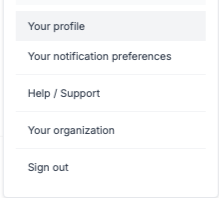
To update your name, click the profile icon circle at the top right of the page. Then select "Your profile" from the drop down. In the profile section, update your name and make sure to click "Save Profile"!